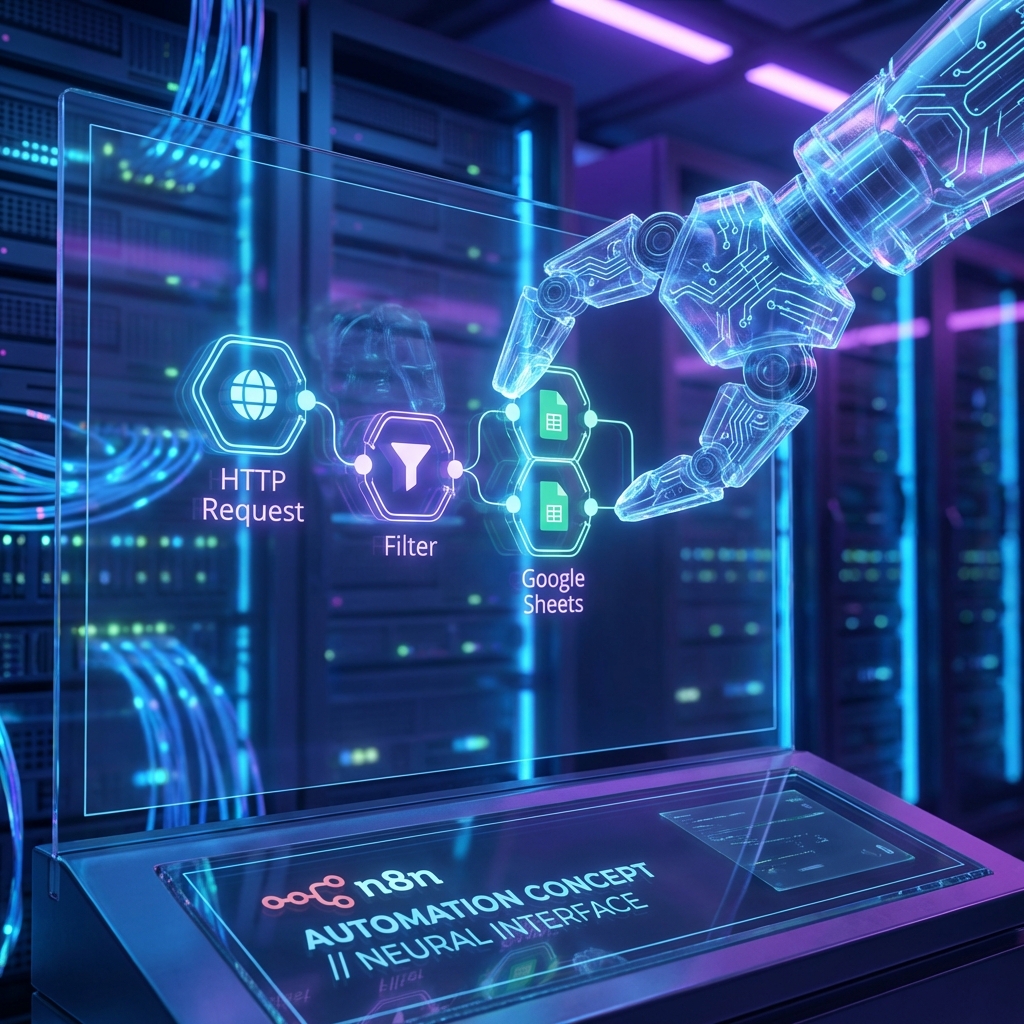

The Power of Integrating OpenClaw with n8n
In today’s fast-paced digital environment, automation is no longer just a convenience—it’s a necessity. Combining the intelligent agent capabilities of OpenClaw with the robust workflow automation of n8n creates a powerhouse solution for managing complex tasks. OpenClaw acts as the brain, understanding natural language commands and making decisions, while n8n serves as the nervous system, connecting thousands of apps and services.
This integration allows you to trigger sophisticated workflows simply by talking to your AI agent. Imagine asking OpenClaw to “analyze my latest sales data and email me a report,” and having it automatically trigger an n8n workflow that pulls data from Stripe, processes it in Google Sheets, and sends a summary via Gmail. This synergy bridges the gap between conversational AI and structural automation.
Step-by-Step Guide: Setting Up Your First Automation
Getting started with OpenClaw and n8n is straightforward. Here is a guide to help you set up your first automated workflow:
- Prepare Your n8n Instance: Ensure your n8n server is running and accessible. You will need to create a new workflow and add a Webhook node as the trigger. Set the method to POST.
- Configure OpenClaw: In your OpenClaw configuration, you can set up a custom skill or use the
exectool to send HTTP requests. You will need the Webhook URL from your n8n node. - Create the Connection: Write a simple script or use OpenClaw’s built-in tools to send a JSON payload to the n8n webhook. For example:
curl -X POST https://your-n8n.com/webhook/test -d '{"task": "summary"}'. - Test the Workflow: Run the command in OpenClaw and check your n8n dashboard. You should see the execution trigger immediately. From there, you can connect any other node—like Slack, Airtable, or OpenAI—to continue the process.
Advanced Use Cases for AI-Driven Automation
Once the basic connection is established, the possibilities are endless. Here are a few advanced scenarios where this integration shines:
1. Intelligent Customer Support: OpenClaw can triage incoming support tickets. If a ticket requires a refund, it can trigger an n8n workflow to process the refund in Stripe and update the user in Zendesk, all without human intervention.
2. Content Distribution: You can draft a blog post in OpenClaw (just like this one!) and have it trigger an n8n workflow that not only posts it to WordPress but also shares it on LinkedIn, Twitter, and your newsletter automatically.
3. Infrastructure Monitoring: OpenClaw can monitor system logs. If it detects an anomaly, it can trigger an n8n alert workflow that pages the on-call engineer via PagerDuty and creates a Jira ticket with the error details.
By leveraging OpenClaw’s understanding of context and n8n’s connectivity, you move beyond simple “if this, then that” logic into a world of “if this happens and it means X, then do Y and Z.” This is the future of intelligent automation.