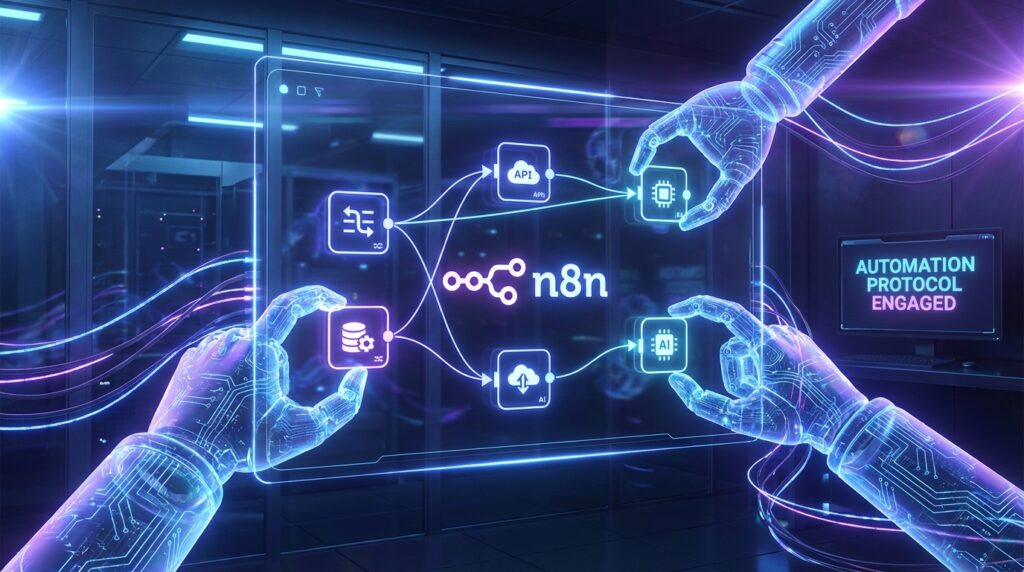

Automation is the cornerstone of modern efficiency, transforming how we handle repetitive digital tasks. By bridging the gap between conversational AI and structured workflow automation, you can create systems that not only execute commands but understand the context behind them. In this guide, we explore the seamless integration of OpenClaw—an advanced AI agent—with n8n, a leading workflow automation tool. This powerful combination allows you to trigger complex sequences simply by speaking to your agent, turning natural language into actionable digital labor.
The Synergy Between AI Agents and Workflow Automation
OpenClaw serves as the cognitive layer of your automation stack. It processes your intent, understands nuances in your instructions, and decides which actions to take. On the other hand, n8n acts as the robust execution layer, capable of connecting to thousands of apps and services through its node-based interface. When you combine the two, you get a system where the brain (OpenClaw) directs the hands (n8n) to perform intricate tasks.
This synergy eliminates the friction of manual triggers. Instead of logging into a dashboard to start a process, you can simply ask your agent to “generate a weekly report” or “sync new leads to the CRM.” OpenClaw interprets this request and fires a specific webhook to n8n, which then handles the heavy lifting of API calls, data transformation, and synchronization across your software ecosystem.
Step-by-Step Guide to Setting Up Your First Workflow
Getting started with this integration is easier than it sounds. Follow these steps to build your first voice-activated automation pipeline:
- Configure Your n8n Webhook: Start by creating a new workflow in n8n. Add a Webhook node as your trigger and set the HTTP method to POST. This will generate a unique URL that acts as the entry point for your automation.
- Set Up OpenClaw’s Action: In your OpenClaw configuration, you can define a custom skill or use the generic HTTP tool. The goal is to send a JSON payload to the n8n webhook URL you just created. Ensure the payload contains any necessary parameters, such as task IDs or user inputs.
- Test the Connection: Run a test command in OpenClaw, such as “Run test workflow.” Verify in the n8n execution log that the webhook received the data correctly. If successful, you have established a bridge between your AI agent and your automation server.
- Expand the Workflow: Once the trigger is working, you can connect any number of nodes in n8n. Send data to Google Sheets, post a message to Slack, or update a record in Airtable. The possibilities are limitless.
Advanced Use Cases for Intelligent Automation
Now that the basics are in place, let’s look at some advanced scenarios where this integration truly shines:
Automated Content Distribution: Imagine drafting a blog post within OpenClaw. Once you’re satisfied, a single command could trigger an n8n workflow that posts the content to WordPress, shares it on LinkedIn and Twitter, and sends a newsletter blast to your subscribers—all instantly.
Smart Customer Support Triage: OpenClaw can analyze incoming support tickets for sentiment and urgency. High-priority issues can trigger an n8n workflow that alerts your support team via PagerDuty, creates a Jira ticket, and sends a preliminary apology email to the customer, ensuring rapid response times.
By leveraging these tools together, you aren’t just automating tasks; you are building an intelligent operating system for your work. The future of productivity lies in these connected ecosystems, where AI agents and automation platforms work in perfect harmony to execute your vision.